
How to reduce motion sickness in Minecraft
I often get asked how to reduce motion sickness in Minecraft, so I’ve made a popular YouTube video which provides some tips.
If you suffer from motion sickness when watching or playing the game, then fear not, as there are a number of steps you can take to reduce motion sickness in Minecraft. In the video I show you how to:
Lower mouse sensitivity (under Controls in Settings)
Experiment with a wider or narrower Field of View (FOV) (under Video Settings)
Change to Third Person view (under Video Settings)
Turn off ‘View Bobbing’ and ‘Camera Shake’ in Video Settings
If you are a parent experiencing motion sickness while watching your child play Minecraft, or a practitioner observing a client playing the game, then another top tip is to go into the game yourself and play with them. You can then control the movements on your own screen, which can help significantly.
If you would like some further support with playing Minecraft with your child, or using Minecraft as a Therapeutic Tool, you can find further training and resources on our trainings page.
Check out the video below for full instructions on reducing motion sickness in Minecraft.
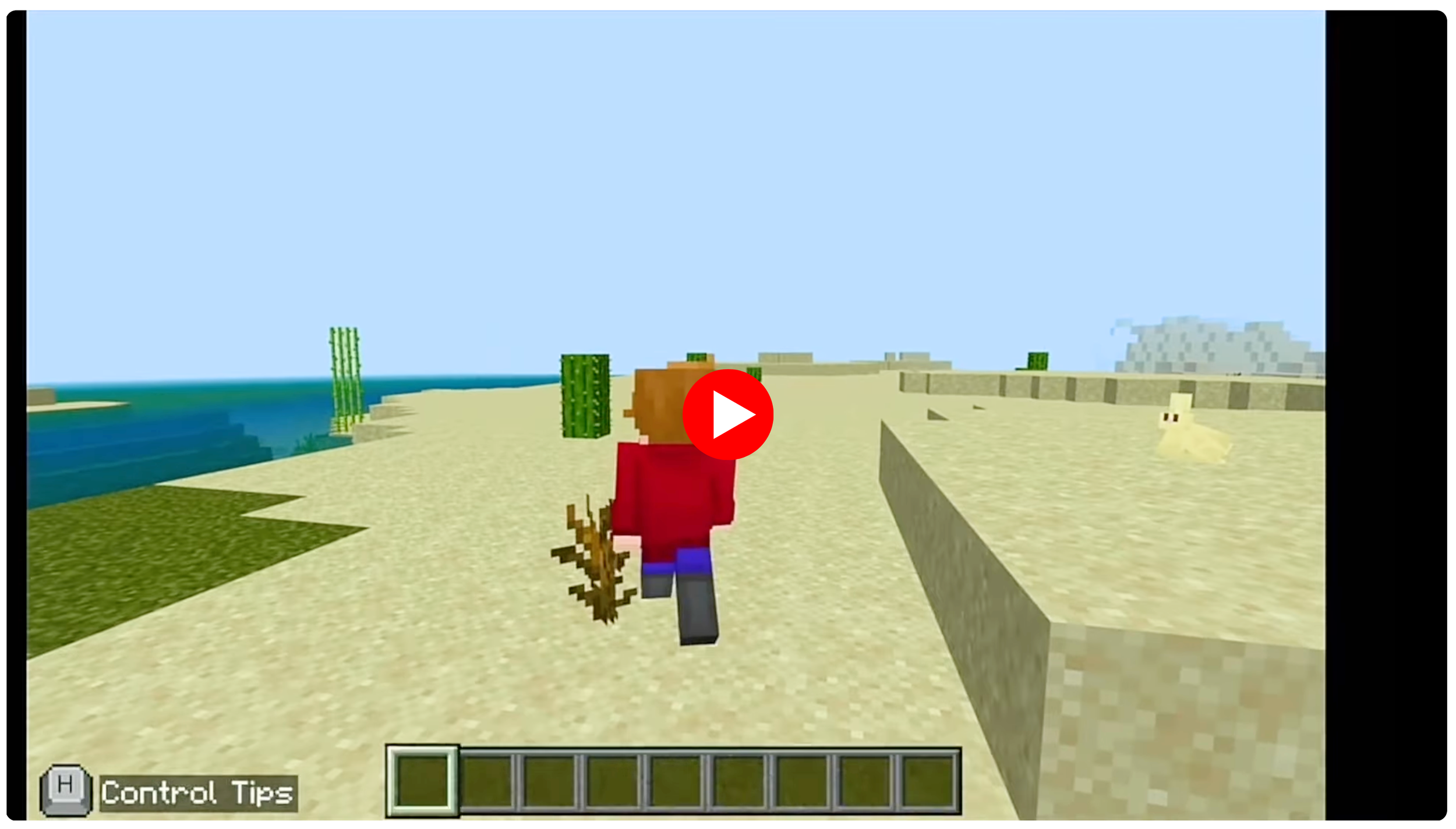
Image source: Minecraft
